2. Configure your Product
Configure your product detail such a size, colour, parts, quantity etc.
You can select up to 4 spot colours from the Our Standard Pantone® Coated & Uncoated range. Please refer to the official Pantone® swatch for the full representation of the printed results, colours on the screen may vary between devices.
Please Choose the Pantone® reference from our standard selection below.
For any Pantones outside the range above, for example, Metallics or Florescencent a surcharge may apply please contact us for advice before placing the order.
Select the colour for each part, first part of the set will be always white.
Pads and Books come with 50 glued sets. For example 2 Pads/Books equals 100 sets.
Please choose the quantity to display the price and proceed to add the product to the cart
3. Add Your Details
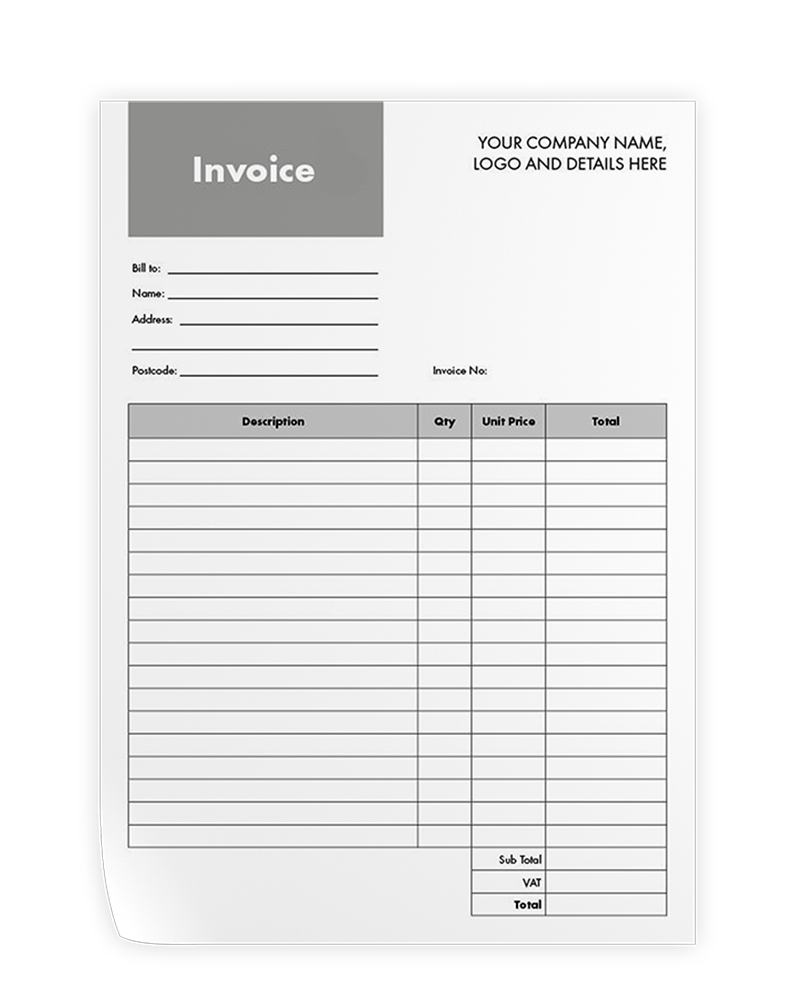
Once your order is successfully submitted, we will start working to incorporate the details and logo you provided into the chosen template.
Next, a digital proof of your bespoke design will be sent to your email address for your review.
Please remember that we will only begin printing and delivering your final product after you have happily approved that proof!
You can select multiple files by holding ( ⌃ Ctrl key on Windows/Linux ) or ( ⌘ Command key on Mac)
You can select multiple files.
Enter your personalized text. This could be your company name, contact details, or a brief personal message. Please keep the text short. This field is required and will make your product unique.
Enter your personalized text. This could be your company name, contact details, or a brief personal message. Please keep the text short.